
Retail Payment Solutions: Types, Benefits, and Selection Tips
Understand retail payment solutions, system types, benefits, and how to pick the right setup.

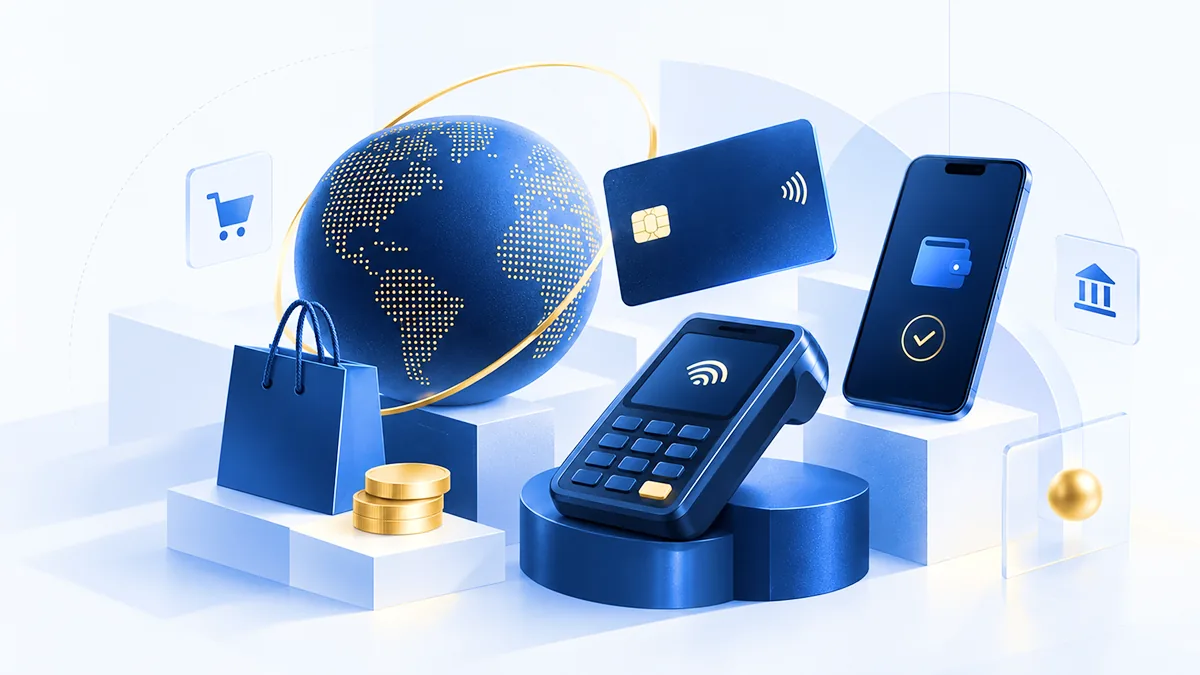
Retail payment solutions: what they are and why they matter
Retail payment solutions let shoppers pay in store and online. They connect checkout tools to payment processing. This helps stores move faster and sell more.
Customers want speed and choice at checkout. If payment fails often, shoppers leave. If checkout is slow, lines grow.
So, what is retail payment system? It is the full path a payment takes at checkout. It starts at the POS terminal or online checkout page. Then it goes through merchant services for approval and routing.
- Retail payment services handle processing, risk checks, and money reports.
- Retail payment systems are the devices and checkout software you use.
- Online retail payment solutions power web checkout and payment pages.
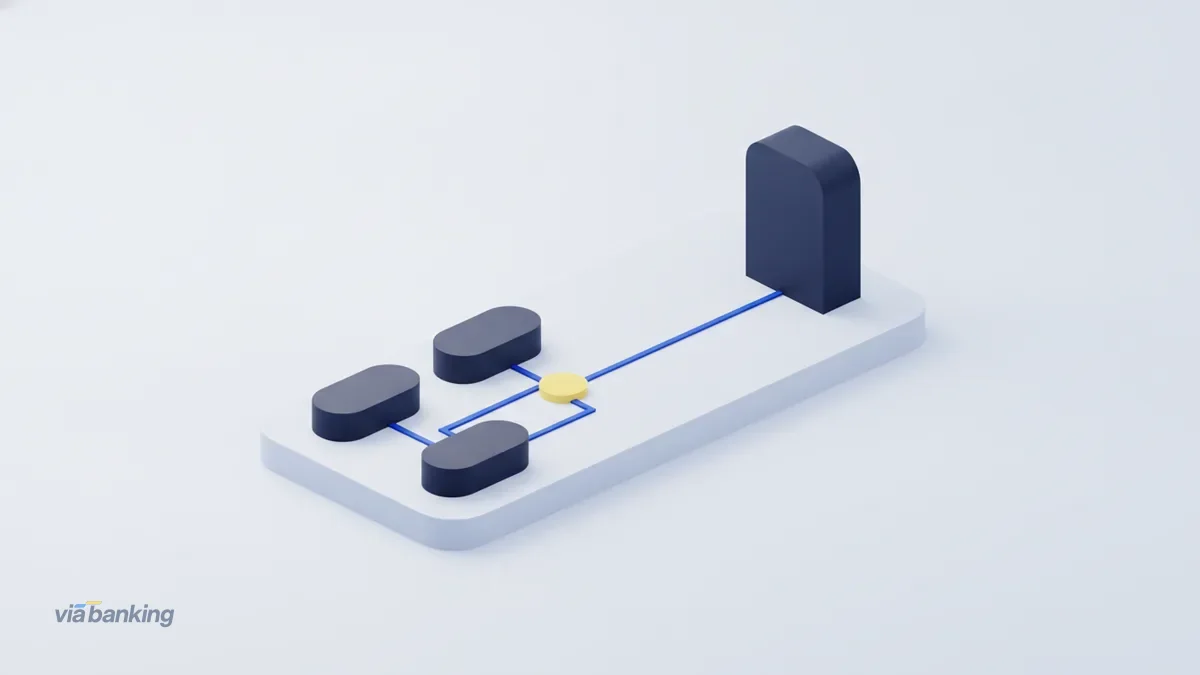
Common types of retail payment systems in stores and online
Retail payment systems blend hardware, software, and payment processing. Many stores use more than one method at once. That often improves sales and reduces stress for staff.
Below are the main types you will see in retail. Each one solves a different shopper need. Try to match methods to your customer habits.
Credit and debit card payments
Card payments let shoppers pay with debit or credit cards. Terminals support swipe, dip, or tap, depending on setup. Online checkout uses secure card entry and repeat pay features.
Cards also fit many purchase types. That makes them a safe default for retail.
- In store: POS terminals read cards at checkout.
- Online: card entry fields and stored card options.
Mobile payments and payment apps
Mobile payments use a phone to pay instead of a card. Some flows use near-field tap. Others use a code scan at checkout.
This method helps shoppers who live on their phones. It also cuts typing time at the register.
Digital wallets
Digital wallets store payment details for faster checkout. Shoppers confirm a payment with a quick tap or passcode. Online, wallets can skip card data entry.
That reduces friction and helps buyers finish faster.
Point of sale terminals and checkout software
A point of sale terminal is the checkout hub in your store. It pairs the card reader with checkout software. Many systems also link to stock tools and receipt options.
When POS and payments work together, refunds get simpler. Staff can act faster with fewer steps.
Contactless payments
Contactless payments let shoppers tap a card or phone. It speeds up small buys like snacks and drinks. It also lowers line pressure during rush hours.
Most modern setups support contact and contactless together. That gives shoppers a clear, quick path.
How modern payment methods improve efficiency and customer experience
Modern payment methods improve customer experience and store speed. More payment options can raise sales. They can also lower the work staff must do at checkout.
Every failed payment costs time and momentum. That time adds up during busy shifts. Fast methods also help reduce lost carts online.
Faster checkout and fewer abandoned purchases
Speed is key in high-traffic stores. Contactless and wallets often cut steps at checkout. That can shorten lines and help buyers finish.
Online, speed comes from fewer steps. A clean checkout with the right methods can lower drop-off. Less friction often means more completed orders.
Better handling for refunds, returns, and split tenders
Retail payment systems must handle common retail tasks. These include returns to the original method and split payments. They also include exchange flows when a customer changes plans.
When payment actions sync with POS tools, errors drop. Staff spend less time re-keying totals and chasing fixes.
Stronger transaction security with fewer disputes
Transaction security helps protect both customers and stores. Tokenization and encryption reduce exposure of card data. Fraud screens can also catch risky patterns early.
Security also helps in dispute cases. Clear records make it easier to review charge issues quickly.
- Customer satisfaction: more choice and less wait at checkout
- Operational efficiency: fewer payment errors for staff
- Better data: clearer approvals, declines, and settlement status
- Security gains: safer handling of payment details
Choosing the right retail payment solution for your store
The best retail payment solutions fit your sales flow. They also match your shopper needs. Finally, they match your risk and security goals.
No single setup wins for every store. A small shop may start with cards and tap. A chain may need advanced controls across many POS stations.
Start with business size and daily checkout load
Checkout volume changes what you should optimize. High volume needs uptime and fast approvals. It also needs steady daily reports for your team.
For multi-store work, you want simple management. That keeps terminals and rules consistent across locations.
Match payment methods to customer habits
Watch how your customers pay today. If a method often declines, test it early. If your buyers use phones often, add mobile and wallets.
Run a short pilot when you can. Add one method, then track approval rates and checkout time. Expand only if results stay strong.
Check security needs and fraud controls
Security needs include safe data handling and smart fraud checks. Ask how sensitive data is stored and moved. Also ask what tools are in place to block fake activity.
For online retail payment solutions, confirm strong risk screening. The goal is to stop fraud while keeping real buyers moving.
Compare costs and merchant services reporting
Fees matter, but clarity matters more. Compare pricing for in store versus online. Ask how refunds and chargebacks are handled in each case.
Strong reporting helps you act fast. You should see daily totals and decline reasons by method.
- List your channels: in store, online, and any added paths.
- Pick core methods: cards, tap, and your top wallet choices.
- Verify POS fit: confirm clean links between checkout and payment.
- Test real flows: test payment, refund, and return cases first.
Plan for e-commerce integration
If you sell online, payment must match your web checkout. That includes payment options, refund paths, and order status updates. Good integration cuts manual work for your staff.
Also check how fast payment events reach your store system. Look for clear tools like webhooks and tidy updates.
This is a key part of payment processing trends. Many providers now focus on quick, clean plug-ins for e-commerce platforms.
Future trends in retail payment solutions to watch
Retail payment services keep moving toward faster and safer checkout. Many updates aim to remove steps from the buyer journey. That helps both in store and online sales.
Contactless payments will keep growing. Digital wallets will keep expanding too. Security tools will keep getting better without adding extra steps.
More contactless by default
Contactless payments work best for quick buys. That can cut line wait in small retail. Over time, tap will become the first choice for many shoppers.
Your terminals should support both tap and chip. That way, all buyers stay covered.
Tighter e-commerce integration
Online retail payment solutions will connect deeper with order tools. That helps align refunds with real order state. It also makes customer updates more accurate.
You can expect more automation in payment status updates. That reduces manual matching during settlement days.
More tailored checkout for repeat buyers
Some systems can help shoppers pay the fast way they used before. For example, a returning buyer might see their wallet first. That cuts clicks and speeds up repeat orders.
Personalization must still respect privacy rules. But the practical goal stays clear: less work for buyers.
Security that stays fast
Security upgrades will focus on strong checks behind the scenes. Encryption and tokenization help protect data in transit. Fraud tools should block bad acts early.
When extra checks are needed, they should be short. That improves completion rates.
Conclusion and practical recommendations
Retail payment solutions connect checkout tools, payment processing, and payment choice. When they fit your flow, they reduce failures. They also improve how customers feel at checkout.
Choose methods based on your customers. Then confirm your POS and online checkout fit together. Finally, verify your security rules and refund flow.
Next, audit your payment journey end to end. Record where payments fail. Measure checkout time during peak hours.
Then use your data to pick the best retail payment systems for your store.
Pick payment options your shoppers already use, and wire them into checkout cleanly.
Frequently asked questions
- What is a retail payment system?
- A retail payment system is the setup that lets shoppers pay at checkout. It includes the POS or checkout tools, the payment path, and the support for approvals and refunds.
- What are retail payment services?
- Retail payment services handle the processing and support behind payments. They include routing, fraud checks, settlement, and reporting for merchants.
- Which retail payment methods should a store offer?
- Most stores should offer card payments and contactless payments. Add at least one digital wallet option if your shoppers use them often.
- How do mobile payments and digital wallets affect customer experience?
- They can make checkout faster by cutting steps and typing. That can reduce online drop-off and speed up in-store lines.
- How do I choose the right retail payment solution for my business?
- Match the solution to your channels, volume, and reporting needs. Also check refund, return, and dispute workflows before you sign.
- What future trends will shape retail payments?
- Retail payment solutions will push toward more contactless by default and better e-commerce tie-ins. Security will improve while checkout stays quick.
Related reading
Best B2B Payment Platforms: Features, Types, and Selection Guide
Compare b2b payment platforms, methods, features, and best practices for smoother payments.
Open Banking User Experience: Benefits and Challenges
See how open banking changes customer experience via APIs, data control, and safety.
What Is Open Banking? How It Works, Benefits, and Challenges
Open banking shares banking data via APIs to drive better choices and innovation.